 Storeboard
/Blog/App Store keywords
App Store keywords: how the 100-character keyword field really works (with examples)
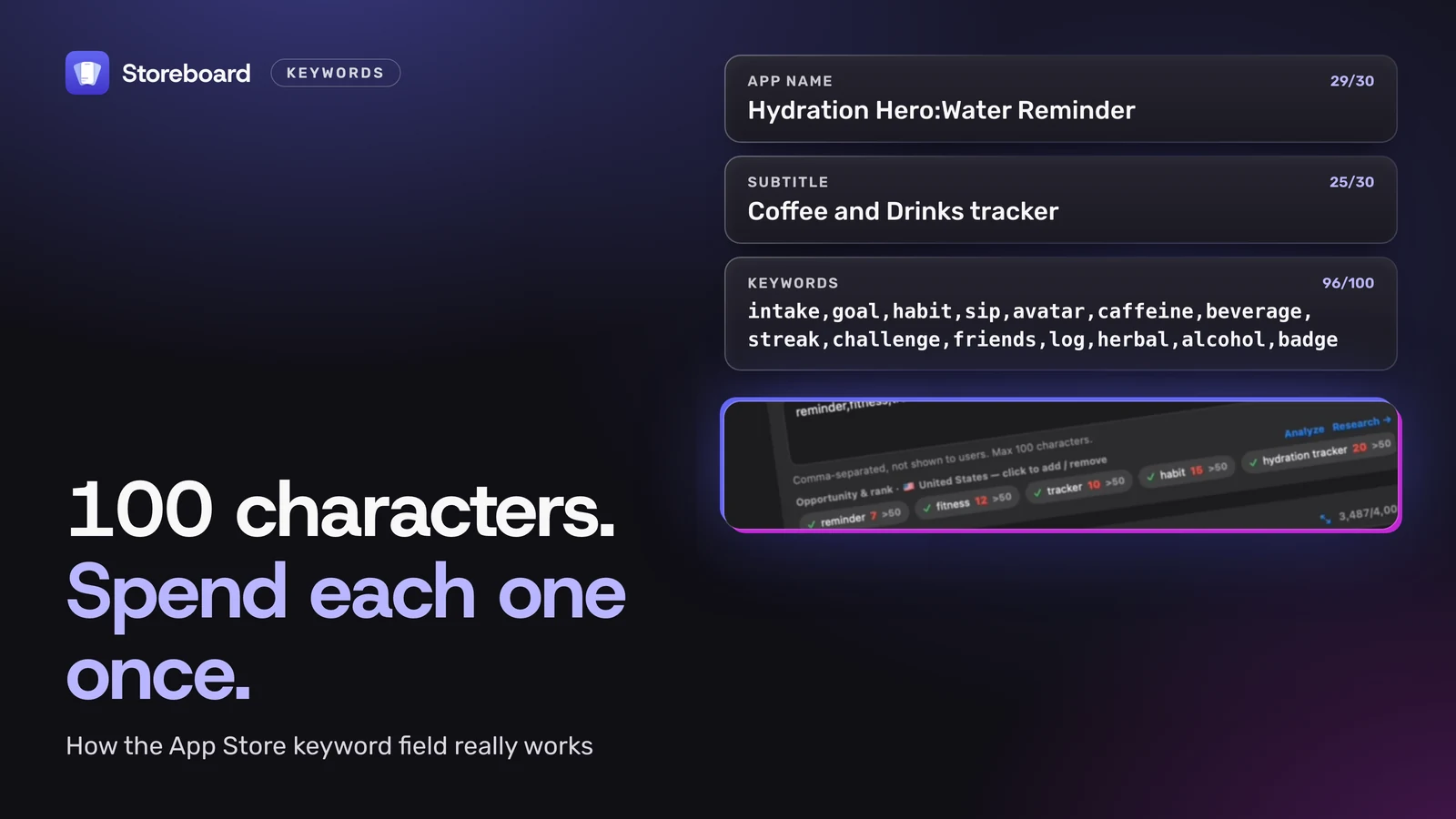
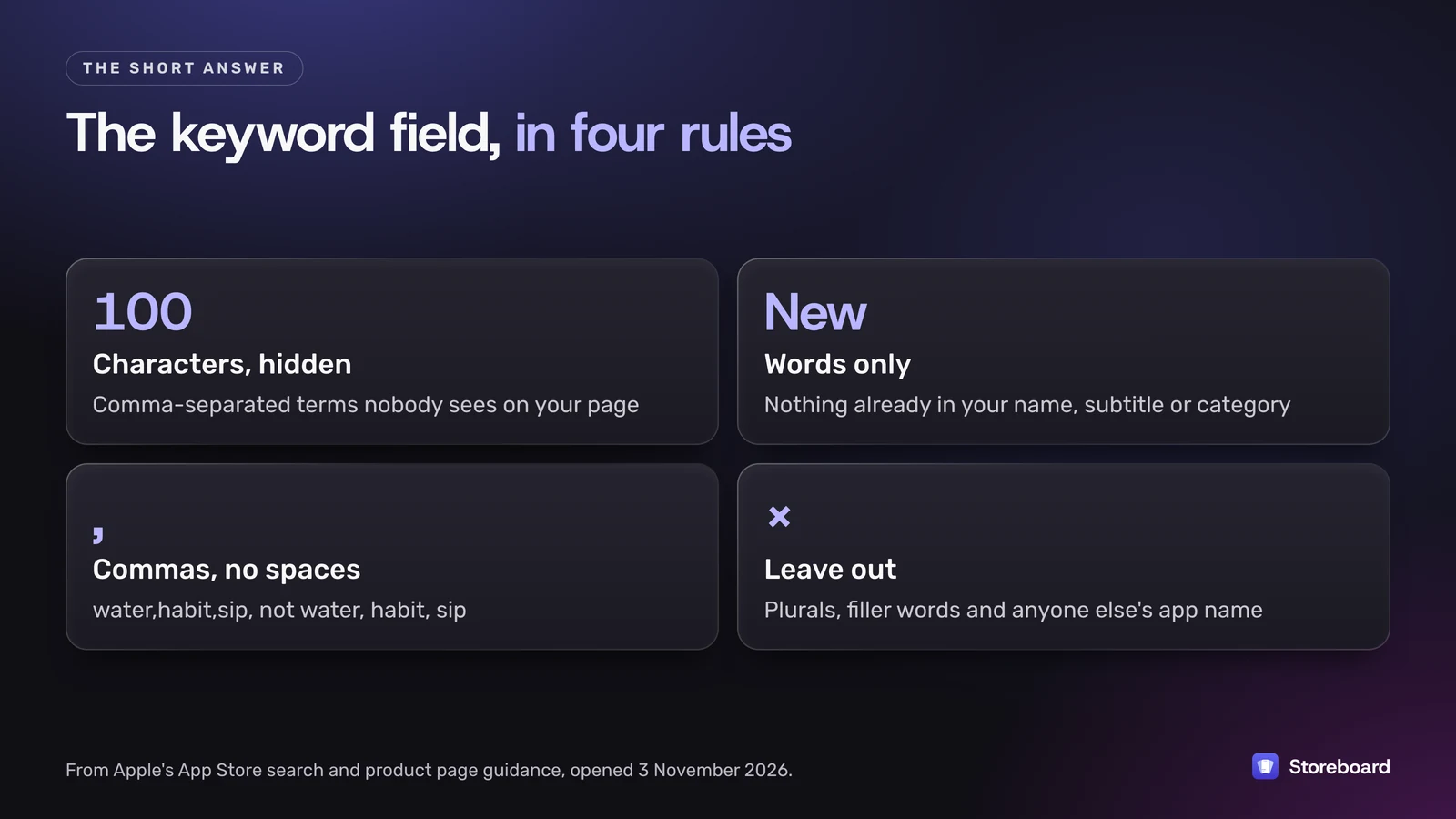
The App Store keyword field is a hidden list of up to 100 characters of comma-separated terms that Apple matches, along with your app name, subtitle and category, to decide which searches your app shows up for. Fill it with words that aren't already in your name, subtitle or category, separate them with commas and no spaces, and leave out plurals, filler words and anyone else's app name. Below are Apple's actual rules (with links), a real before-and-after from one of my own apps, and the storefront table that tells you which extra localizations count where you sell, and how I let a coding agent do the keyword legwork through Storeboard's MCP server.
Every rule here comes from Apple's own pages, opened on 3 November 2026: App Store search, Creating your product page and the App Store Connect Help reference. Where Apple doesn't say something, I say so.
On this page
- Where does the App Store get keywords from?
- What are the rules for the 100-character field?
- What does a real keyword field look like, before and after?
- How do extra localizations give you more keywords?
- How do you choose which keywords to use?
- How do you track rankings and when should you change keywords?
- Can an AI agent manage my App Store keywords through MCP?
- What are the most common keyword field mistakes?
- Questions
Where does the App Store get keywords from?
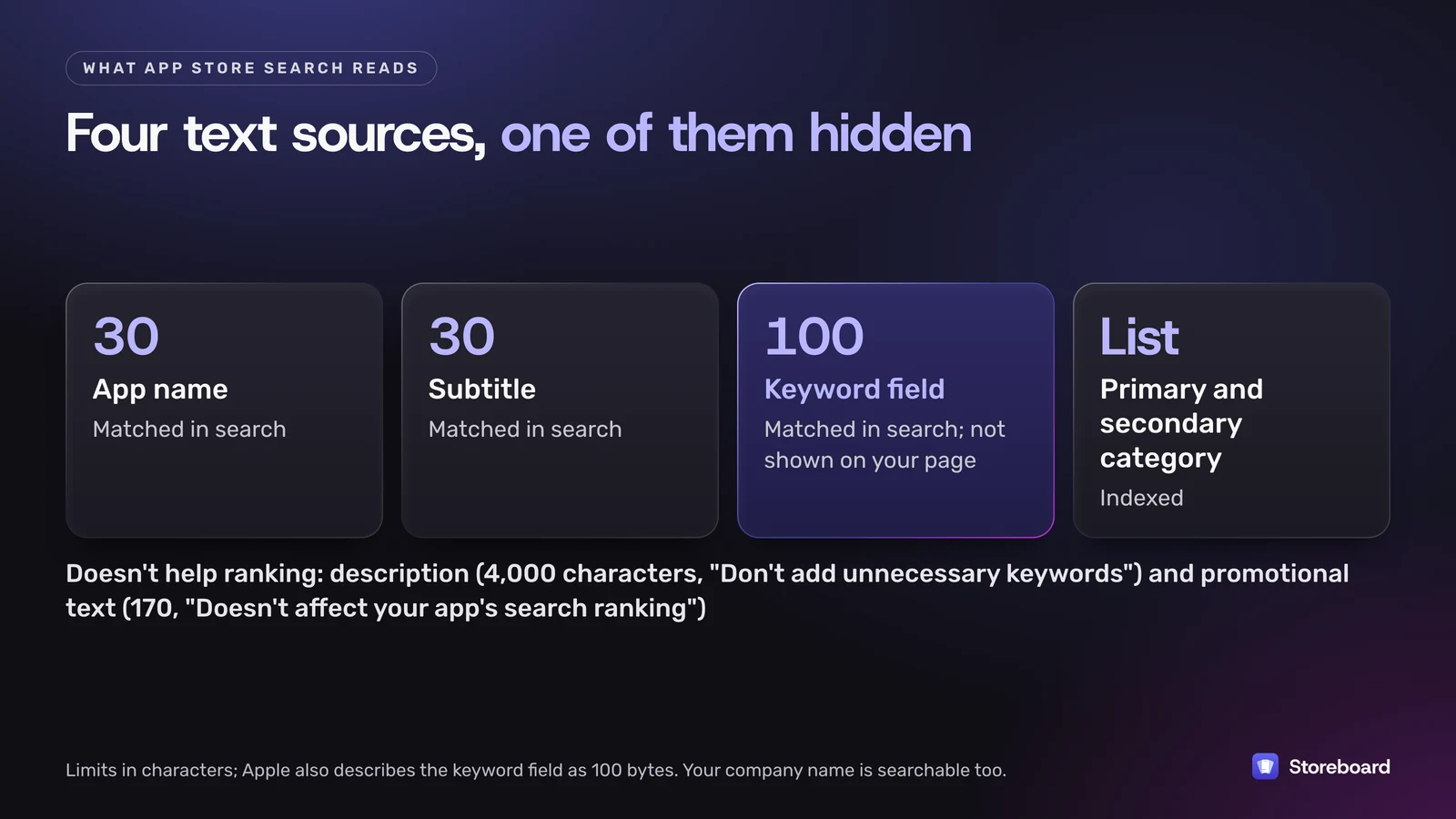
Apple's search page says results depend on text relevance, meaning "matches for your app's title, subtitle, keywords, and primary category", plus user behavior such as downloads, ratings and reviews. It also says your primary and optional secondary category are indexed, and App Store Connect notes that your app is searchable by app name and company name.
| Field | Limit | What Apple says about search |
|---|---|---|
| App name | 30 characters | Matched in search |
| Subtitle | 30 characters | Matched in search |
| Keyword field | 100 characters (Apple also says 100 bytes) | Matched in search; not shown on your product page |
| Primary and secondary category | Chosen from Apple's list | Indexed |
| Company (developer) name | — | Searchable |
| Description | 4,000 characters | "Don't add unnecessary keywords to your description" |
| Promotional text | 170 characters | "Doesn't affect your app's search ranking" |
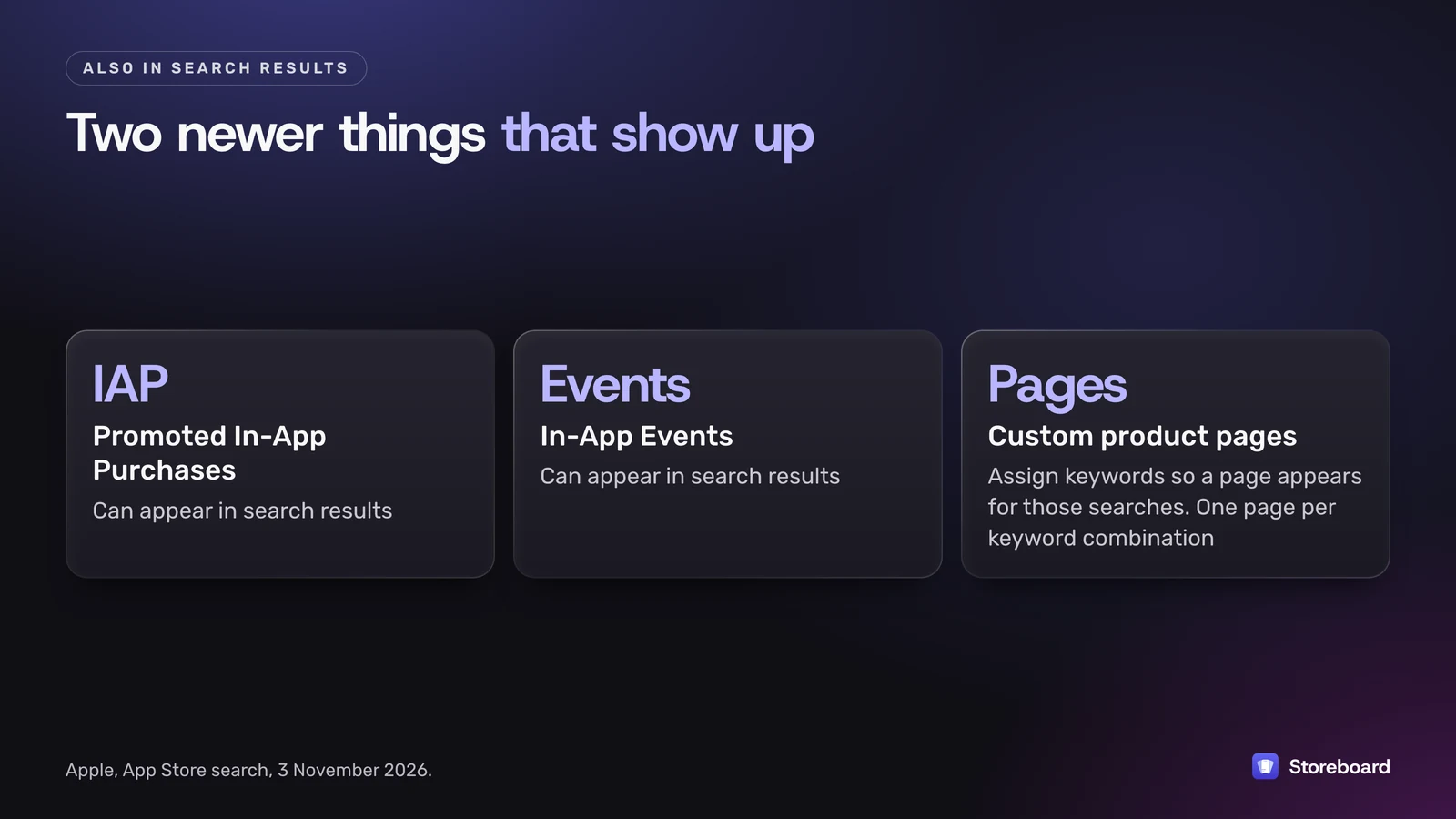
Two newer things also show up in search. Promoted In-App Purchases and In-App Events can appear in results, and you can now assign keywords to a custom product page so it appears for those searches instead of your default page. Apple asks that each keyword combination belongs to only one product page.
So the keyword field is one of four text sources, and the only one nobody sees. That's why it's the easiest place to waste.
What are the rules for the 100-character keyword field?
Here's everything Apple says, grouped. Quotes are Apple's words.
Format
- 100 characters total. Apple's App Store search and product page guidance says keywords "are limited to 100 characters total". The App Store Connect reference says "You can provide up to 100 bytes of content". For English and other unaccented Latin-script text these are the same, because each letter, digit and comma is one byte. Apple doesn't say how it counts non-Latin scripts such as Japanese, Chinese, Korean, Arabic or Russian, where one character takes two to four bytes in UTF-8. If the byte limit is what App Store Connect enforces, far fewer than 100 of those characters would fit, so check what it actually accepts before you plan a field in those languages.
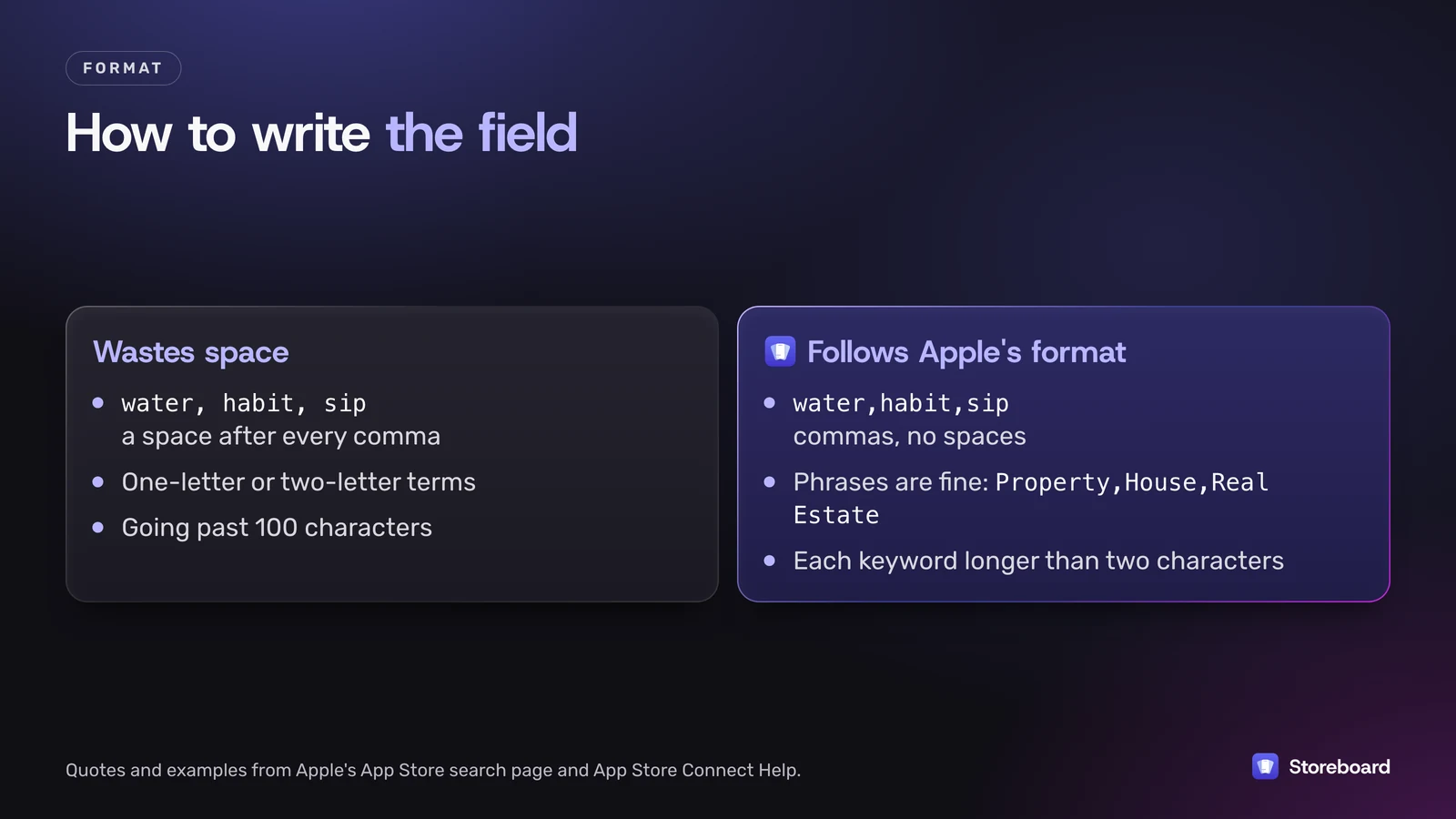
- Commas, no spaces. "Terms separated by commas and no spaces." So
water,habit,sip, notwater, habit, sip. - Phrases are allowed. "You can use spaces to separate words within keyword phrases. For example: Property,House,Real Estate."
- Each keyword longer than two characters. App Store Connect describes the field as "one or more keywords (each greater than two characters)".
Don't repeat what Apple already has
- "Don't repeat any words included in your app name, subtitle, or category."
- Your app name and company name are already searchable, so "you shouldn't duplicate these values in the keyword list."
- Plurals: "climbs" and "climb" "are considered duplicates." Pick one.
- Skip broad terms like "app" or "game", filler words like "the" and "to", and special characters such as # or @ unless they're part of your brand.
Don't break the rules
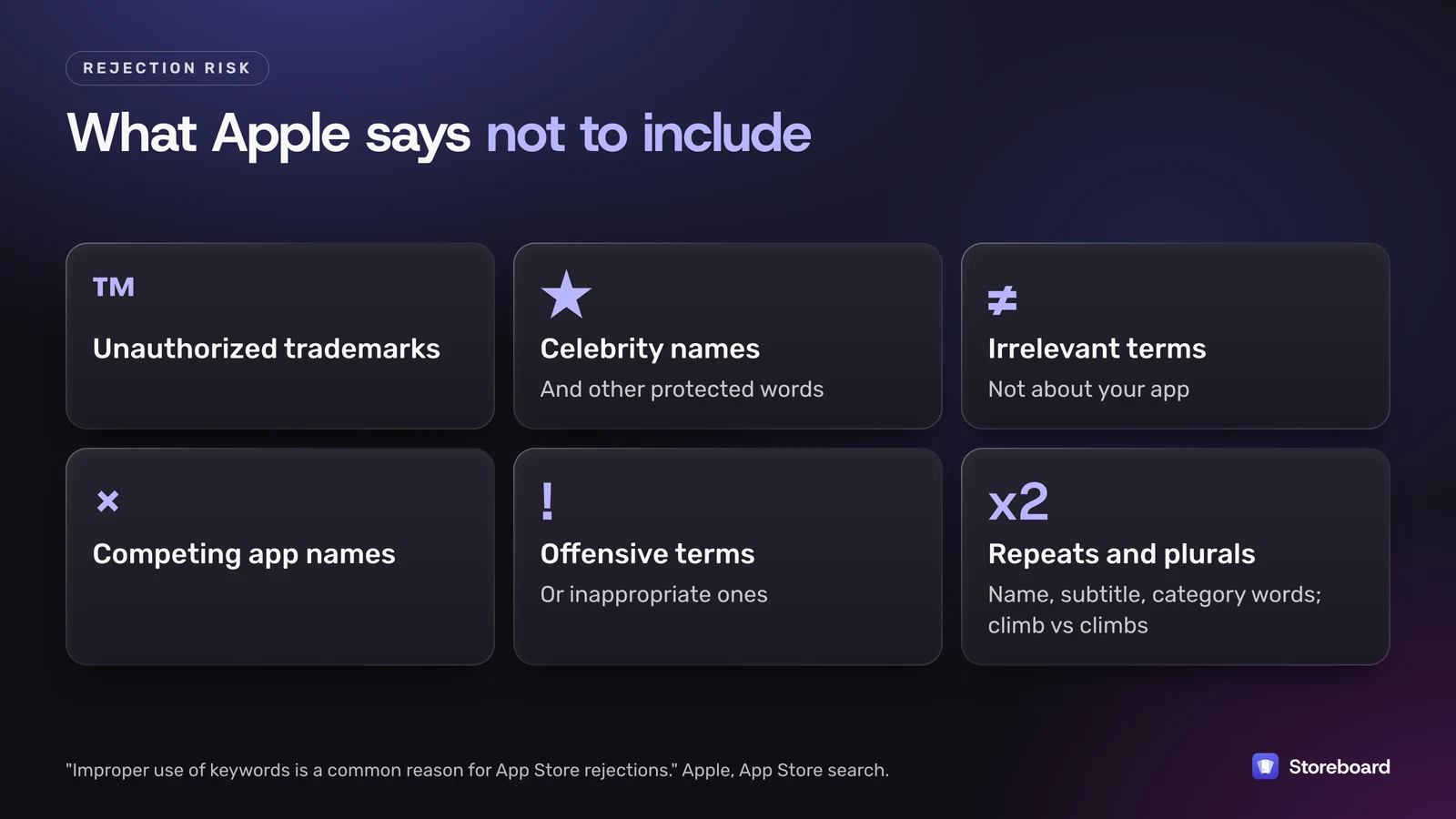
Apple says "improper use of keywords is a common reason for App Store rejections", and lists what not to include: unauthorized trademarks, celebrity names and other protected words, terms that aren't relevant to the app, competing app names, and inappropriate or offensive terms.
One thing Apple doesn't spell out is how it combines words from different fields into multi-word searches, or how much weight each field gets. Treat anyone who quotes exact weights with suspicion, including me.
What does a real keyword field look like, before and after?
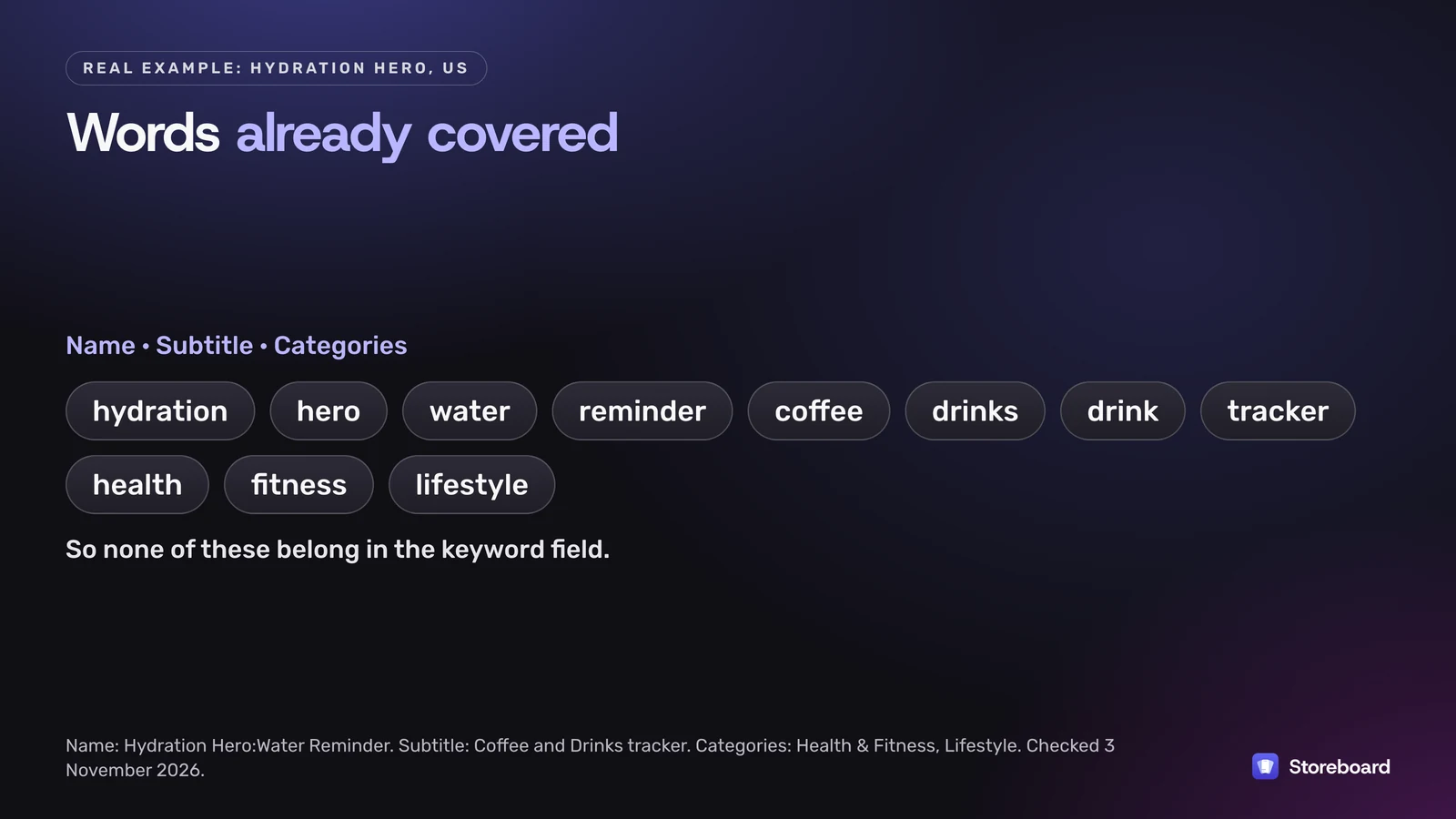
Here's one of my apps, Hydration Hero. Its current US listing (checked 3 November 2026) is:
- Name: Hydration Hero:Water Reminder
- Subtitle: Coffee and Drinks tracker
- Categories: Health & Fitness, Lifestyle
So these words are already covered before the keyword field starts: hydration, hero, water, reminder, coffee, drinks (and drink, since plurals are duplicates), tracker, health, fitness and lifestyle.
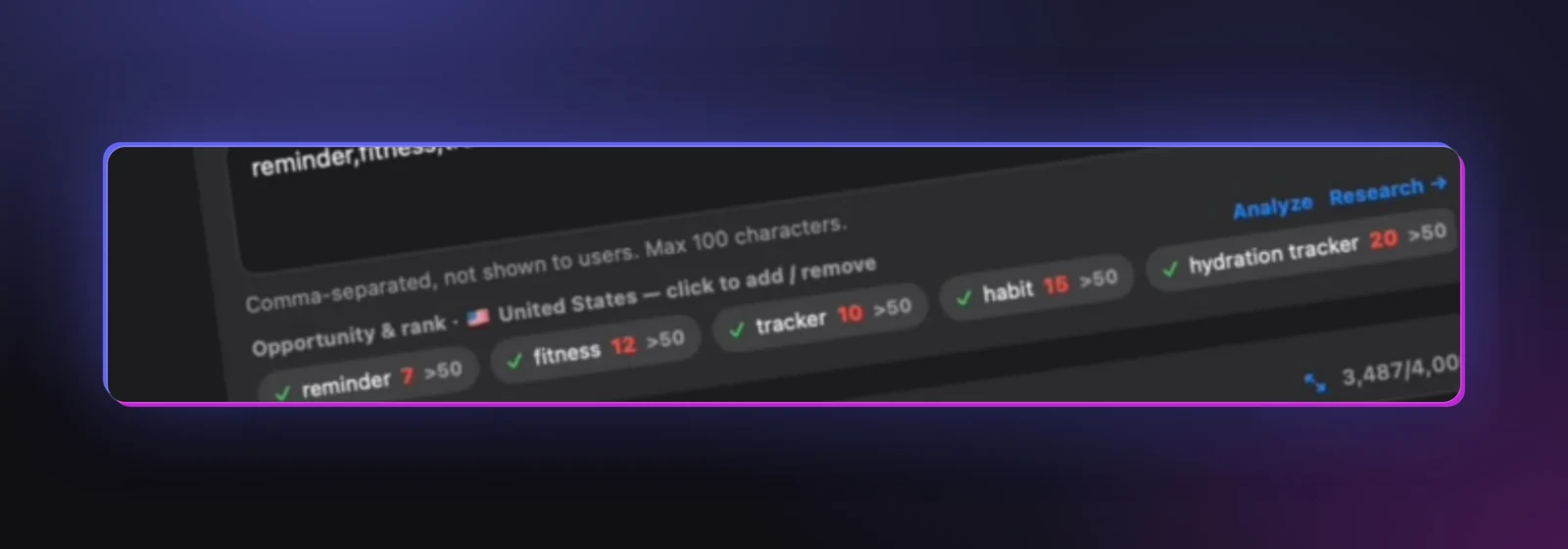
The "before" field below is the one in the Hydration Hero project shown in Storeboard's App Store screenshots. That project uses an earlier app name, so it's a fair picture of a field that was written and then left alone while the name and subtitle changed around it.
Before · 94 of 100 characters
reminder,
- reminder in the name
- fitness in the category
- tracker in the subtitle
- habit new word
- hydration tracker both words already covered
- coffee tracker both words already covered
- sip new word
- another developer's app name + "hydration coach" competing app name: not allowed
Result: 2 new words (habit, sip) from 94 characters. The rest repeats the name, subtitle or category, and one term is a competing app's name, which Apple doesn't allow.
I've hidden the other app's name on purpose. It's exactly the kind of term Apple says can get an update rejected, and it's easy to add without thinking when you see a competitor ranking for your words.
Here's the rewrite I'd test. Every word comes from features listed in Hydration Hero's own App Store description (avatar, goals, streaks, badges, challenges with friends, custom drinks, and tracking the effect of caffeine and alcohol), and none repeats the name, subtitle or category.
After · 96 of 100 characters · 14 new words
intake,
No spaces, no repeats, no plurals of words already used, nothing from another app. Whether it ranks better is something to measure, not assume.
Two things to notice. First, "hydration tracker" doesn't need to be in the keyword field at all: both words are already in the name and subtitle. Second, the rewrite has no phrases. Apple allows them, but every space inside a phrase is a character, and each word here is already doing its own job.
How do extra localizations give you more keywords?
Each localization in App Store Connect has its own keyword field, and a storefront can support more than one language. Apple's localization help puts it like this: if you localize into French, "users can search for your app using localized keywords in all countries or regions where the App Store supports French."
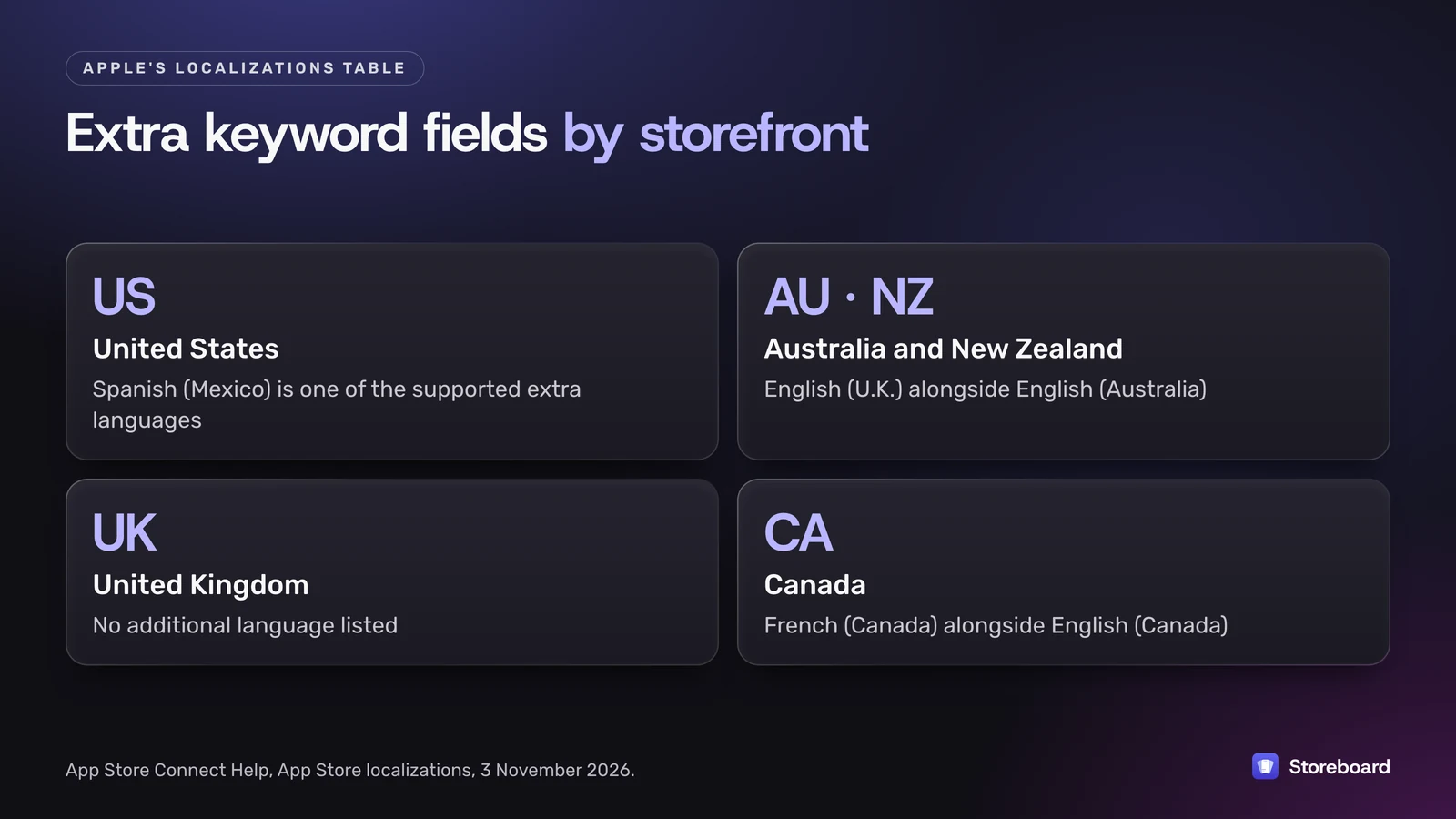
Apple's App Store localizations table lists the languages each storefront supports. Some rows, as of 3 November 2026:
| Storefront | Default language | Additional supported languages |
|---|---|---|
| United States | English (US) | Arabic, Chinese (Simplified), Chinese (Traditional), French, Korean, Portuguese (Brazil), Russian, Spanish (Mexico), Vietnamese |
| United Kingdom | English (U.K.) | None listed |
| Australia | English (Australia) | English (U.K.) |
| New Zealand | English (Australia) | English (U.K.) |
| Canada | English (Canada) | French (Canada) |
| India | English (U.K.) | Bangla, Gujarati, Hindi, Kannada, Malayalam, Marathi, Odia, Punjabi, Tamil, Telugu, Urdu |
What that means in practice:
- In the US, a Spanish (Mexico) localization is a second keyword field that US searches can match. If you can get a proper Spanish translation, it's the most obvious second field for a US-focused app.
- In Australia and New Zealand, English (U.K.) is supported alongside English (Australia), so those two fields both count.
- In the UK, Apple lists no additional language, so English (U.K.) is the only field there. If you've read that the UK "cross-indexes" another locale, it isn't in Apple's table today.
- English (U.K.) is not listed for the US, so a UK field won't add US keyword space.
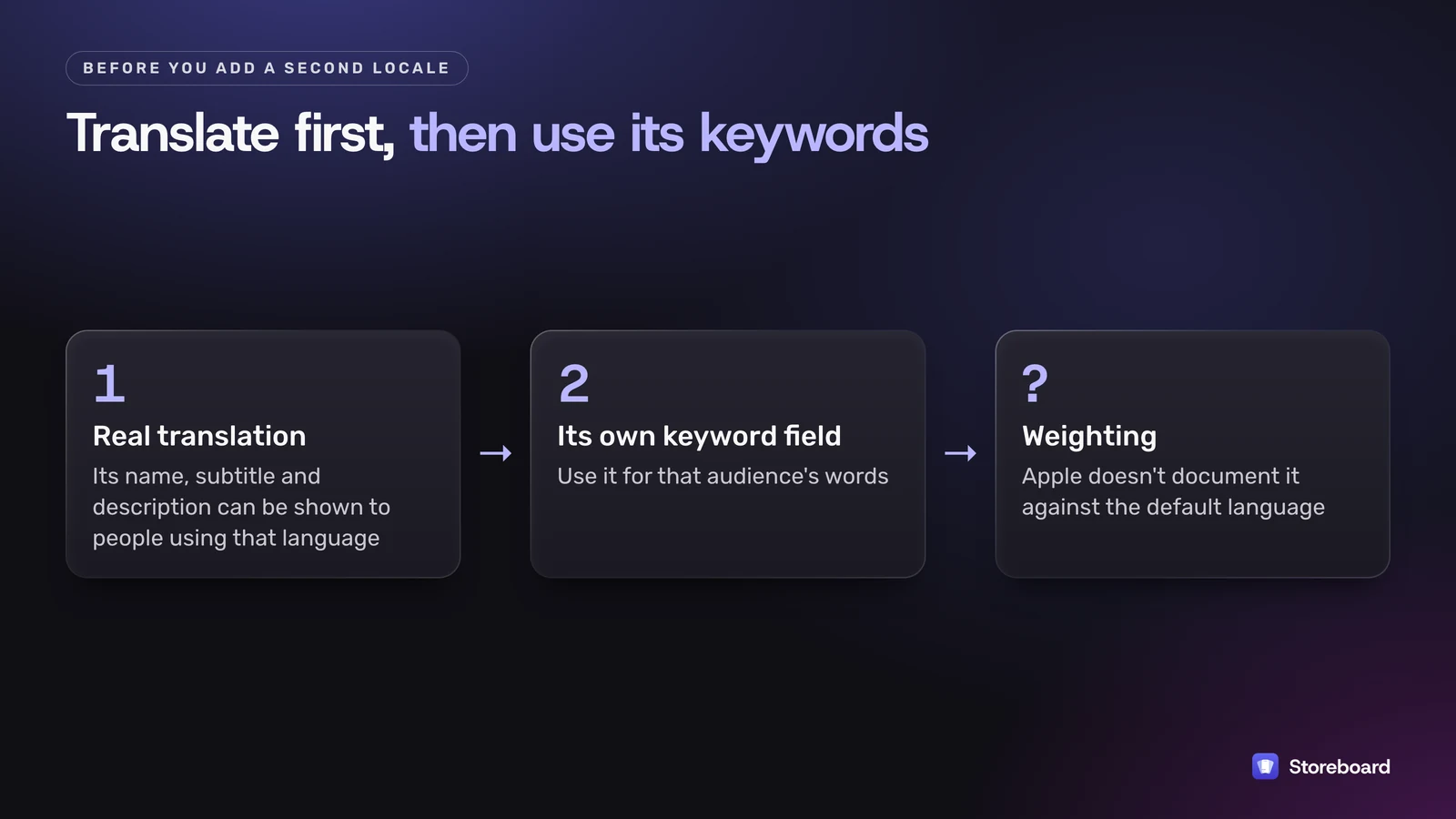
A caution before you stuff a second locale: it isn't hidden. Its name, subtitle and description are what people using that language can be shown, so a page of English keyword-bait labeled Spanish is a bad look. Fill it with a real translation, then use its keyword field for that audience's words. Apple doesn't document how a secondary language's keywords are weighted against the default one.
If you sell in several English-speaking countries, the English keywords by country guide covers how to split vocabulary between them.
How do you choose which keywords to use?
Apple's own advice is a trade-off: popular terms like "jobs" or "social" bring traffic but are "highly competitive – especially if you are a newer or smaller app", while less common terms "drive lower traffic, but are less competitive." For a small app, the second group is usually where you can actually rank.
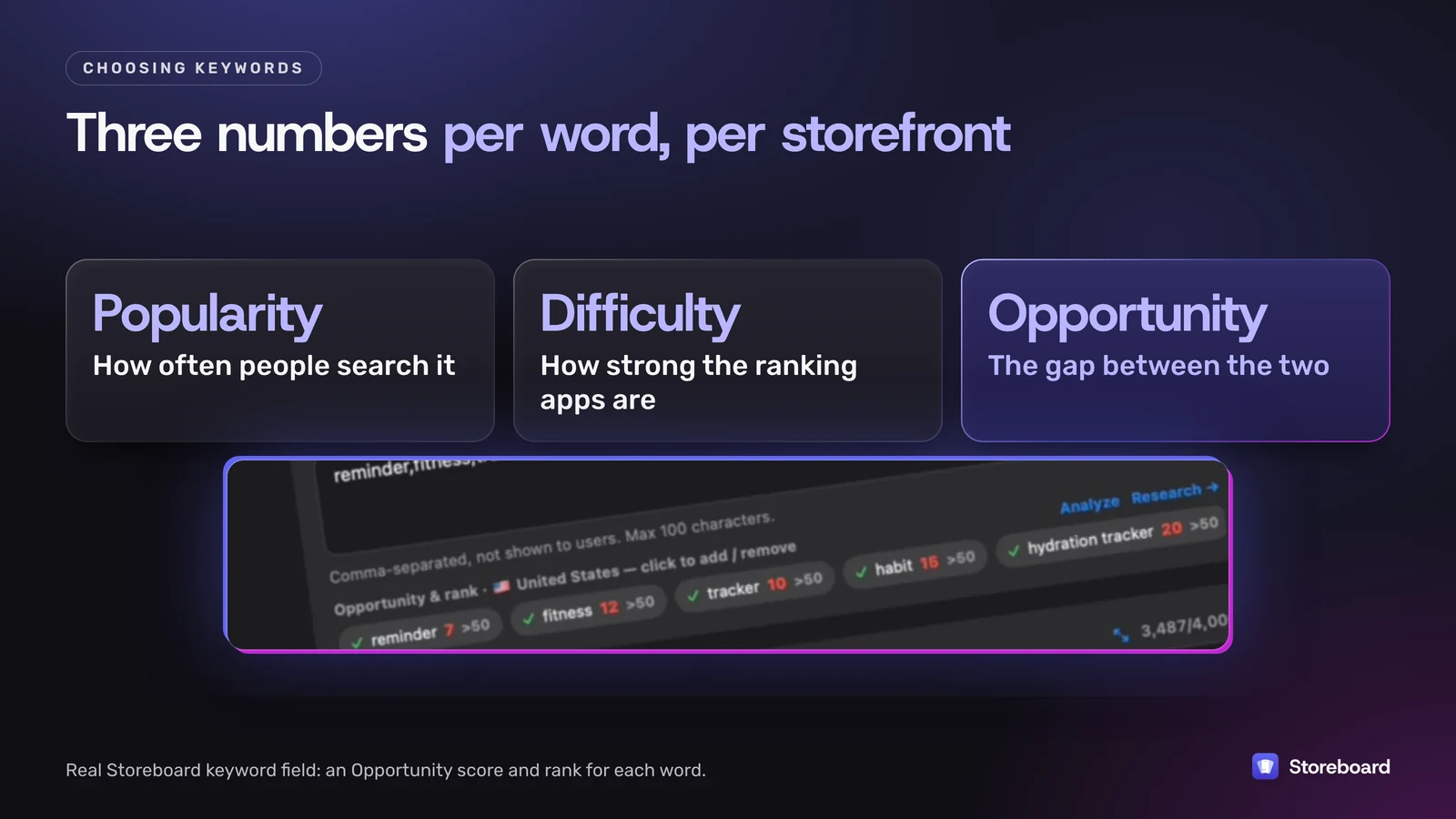
To make that call you want three numbers per word, in the storefront you sell in: how often people search it (popularity), how strong the apps ranking for it are (difficulty), and the gap between the two (opportunity). Storeboard: ASO Assistant shows all three per storefront on your Mac, plus who ranks for each term now, uses Apple's own popularity figure when your Apple Ads account is linked, and has a coverage view that flags wasted characters in every language's name, subtitle and keyword field. The free keyword check by country does a single term in the browser, and the keyword research guide walks through a full workflow.
How do you track rankings and when should you change keywords?
Apple points you to App Analytics in App Store Connect: impressions, conversion rate and downloads, filtered by source type so you can see what came from App Store search. Your Apple Ads results show up there too, so separate them before you judge a keyword change.
Because keywords belong to an app version, you change them when you ship an update. My approach:
- Change a few words per release, not the whole field, so you can tell what worked.
- Note your ranks for the words you removed and added before you submit.
- Compare search impressions and ranks after the update has been live for a while, then keep or swap.
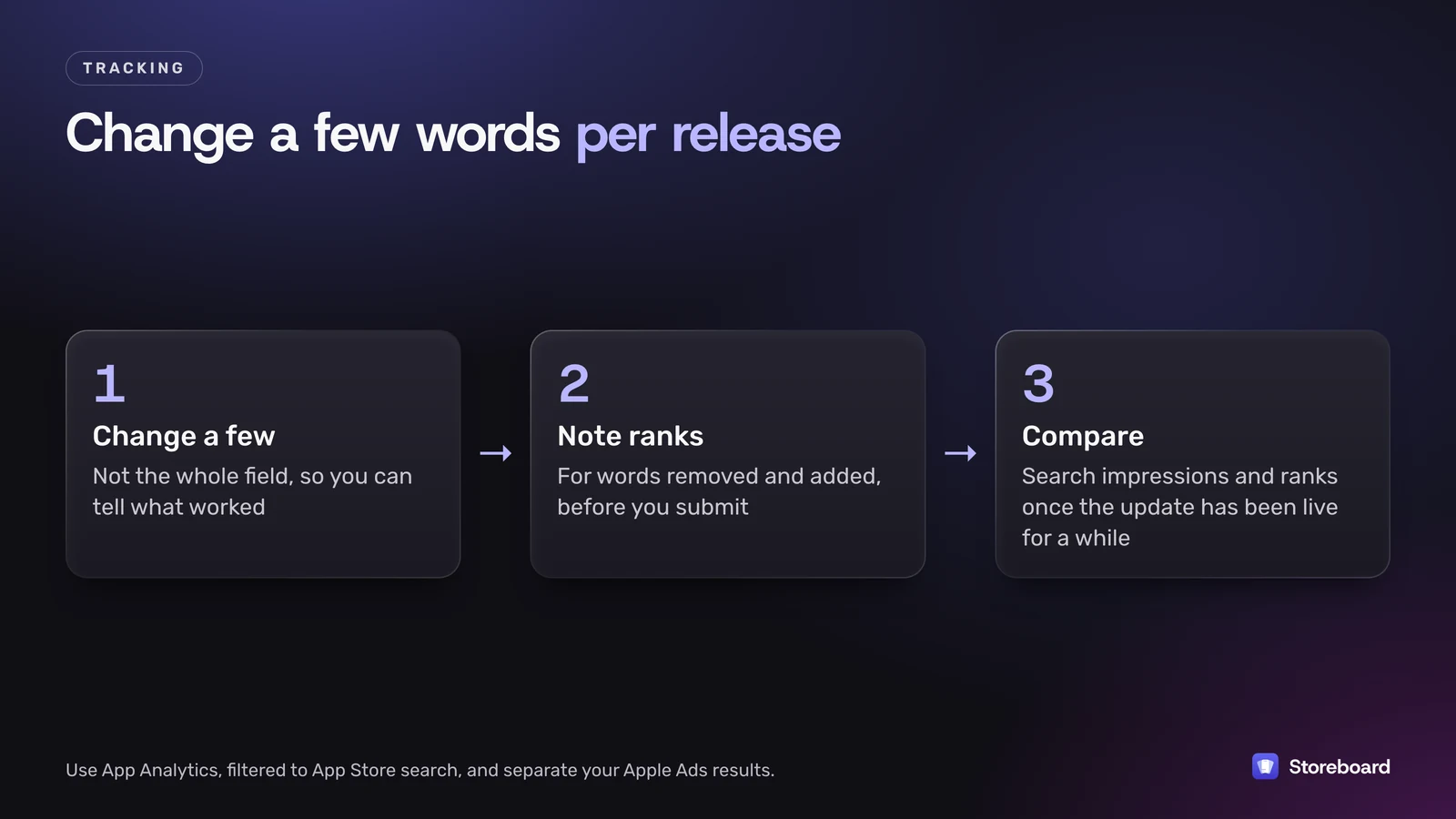
Storeboard: ASO Assistant records keyword trends on your Mac, and Pro's performance tracking reads your downloads, impressions and conversion through an App Store Connect API key, so you can see whether a keyword change moved anything. It doesn't keep a server-side archive of daily ranks. If you need that across hundreds of terms, pair it with a dedicated tracker; I compare one in Storeboard vs Astro.
Can an AI agent manage my App Store keywords through MCP?
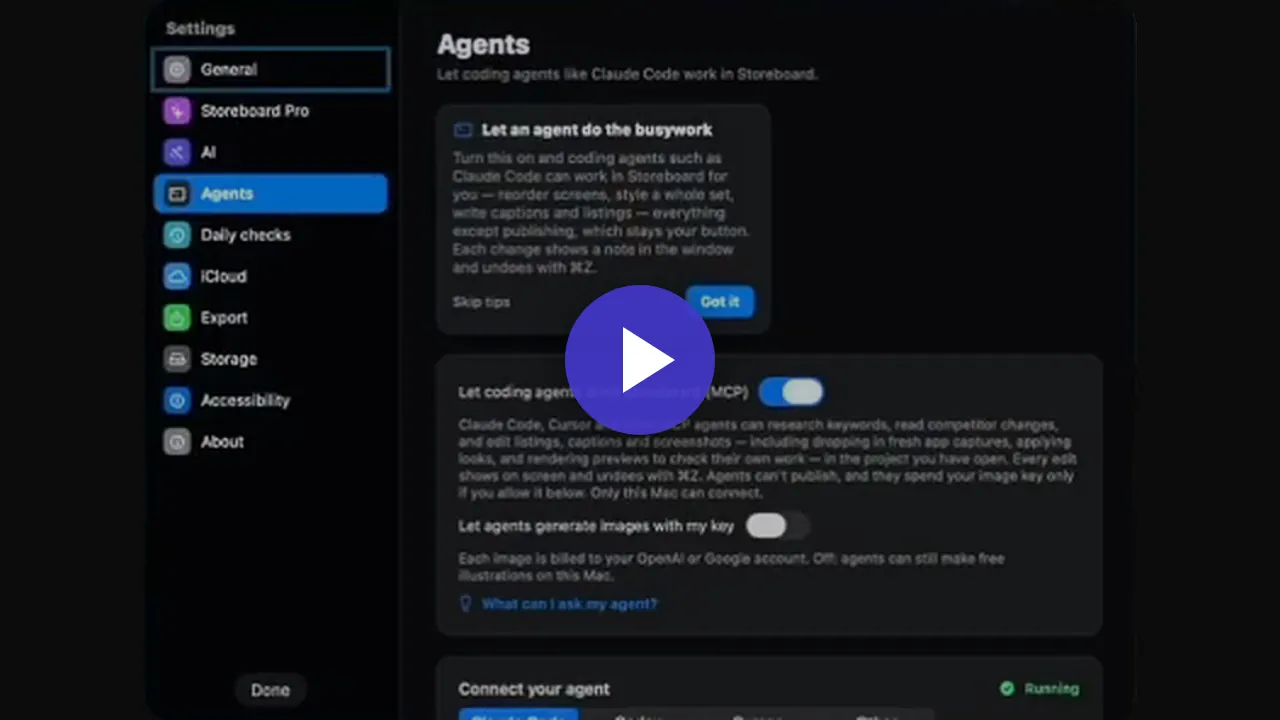
It can do most of the legwork. I make Storeboard, a native Mac app that manages your whole App Store presence: screenshots and other media, listing metadata, keywords, coverage, performance and competitors, published to App Store Connect. It runs a local MCP server, so you can work the keyword field yourself or let your coding agent (Claude Code, Cursor or Codex) do it.
For keywords, the Coverage tab is where an agent earns its keep. It shows, language by language, how much of the name and subtitle keyword space is used, and I personally let the agent handle most of it. Because the agent sees the whole project, you can also ask it how your keywords did over the last 7 days, or whether conversion is up or down and why.
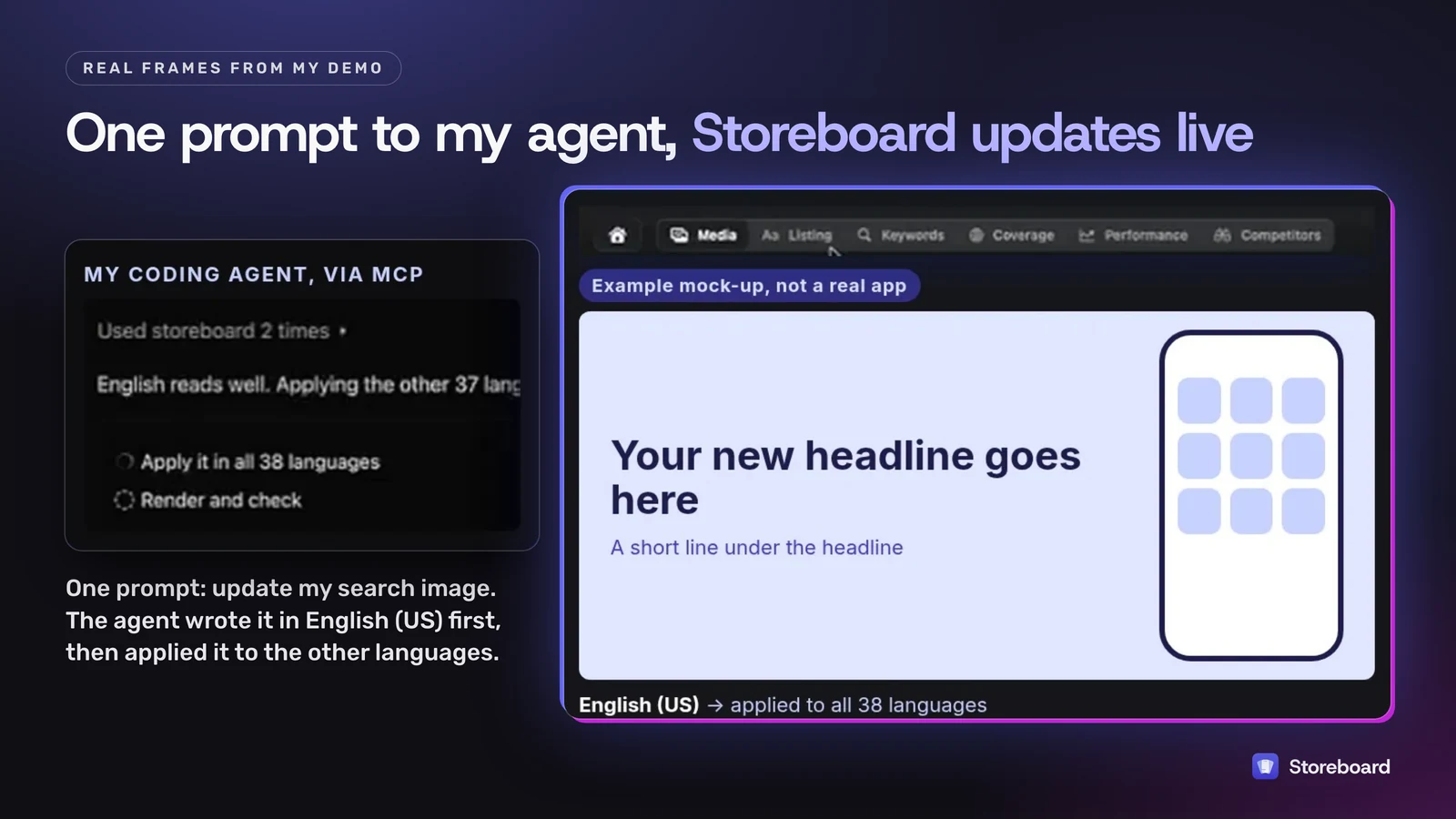
A real example from my demo, on the visual side of the listing: I asked my agent to update my App Store search image. It wrote the English (US) headline first, then applied it to the other languages; in the demo, the agent applied it to all 38 languages. It also kept another company's brand name out of the image, the same rule Apple applies to the keyword field. AI translation is a best guess, a pretty decent job, but a native speaker is better.
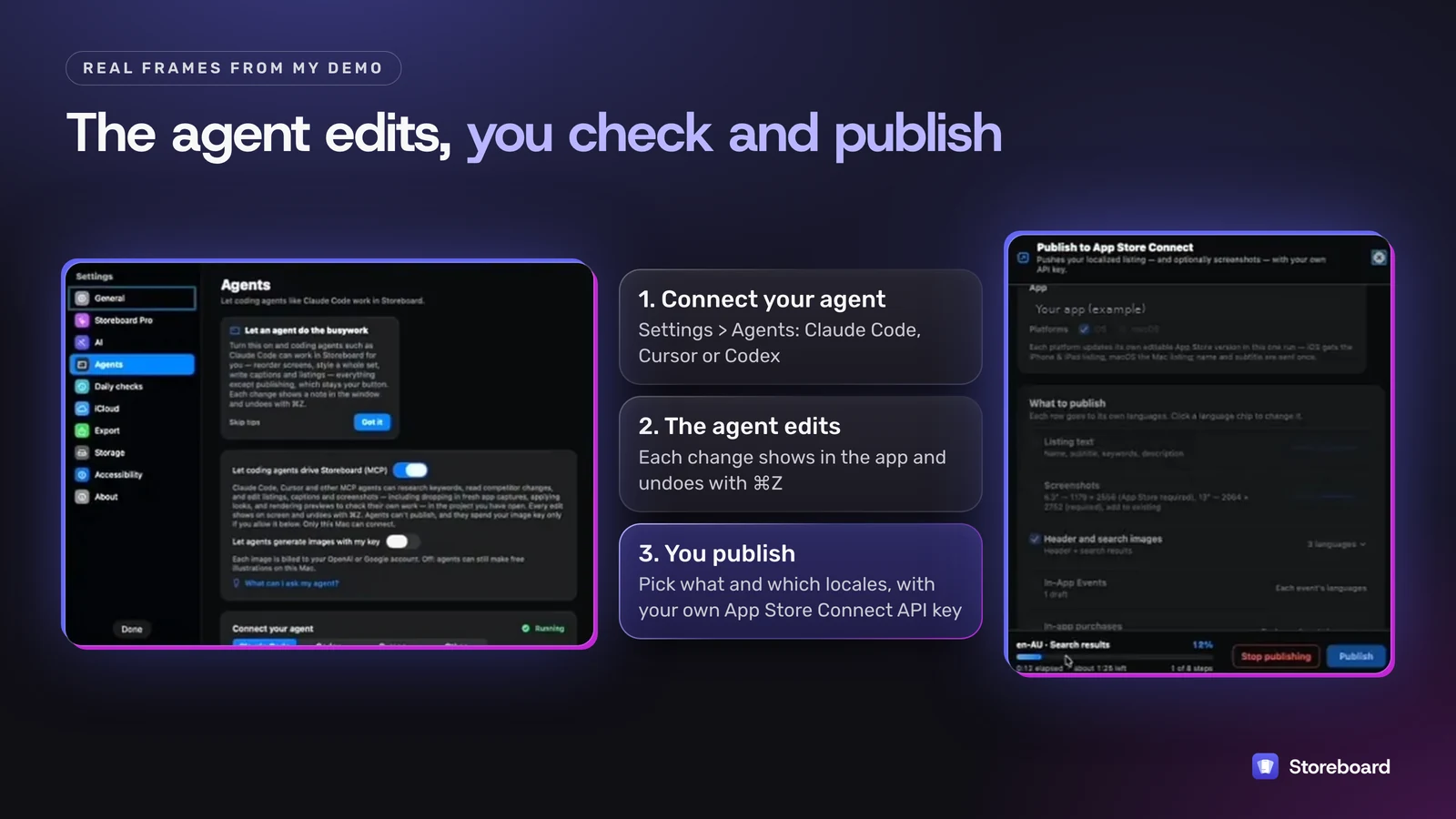
Storeboard isn't headless. Every change shows in the app, you can click through each language and undo with ⌘Z, and agents can't publish. You choose what goes to App Store Connect and for which locales, with your own API key, and new keywords still ship with an app version. Get Storeboard on the Mac App Store or watch the 8-minute demo.
What are the most common keyword field mistakes?
- Spaces after commas. Each one costs a character.
- Repeating the name, subtitle or category. The before field above did this five times.
- Singular and plural of the same word. Apple counts them as duplicates.
- Competitor names, trademarks and celebrities. Not allowed, and a rejection risk.
- "App", "game", "the", "to" and other filler. They don't help you match anything specific.
- Forgetting the extra localizations your storefront supports, such as Spanish (Mexico) in the US.
- Leaving the field alone after the name or subtitle changes. Old keywords quietly become duplicates.
The free Keyword Field Counter catches the first three: paste your name, subtitle and keywords and it shows repeated words and wasted characters.
Check your field, then research where you sell
Run your listing through the free Keyword Field Counter. Then score each word's popularity, difficulty and opportunity in your own storefront with Storeboard: ASO Assistant, free on the Mac App Store.
Questions
How many characters is the App Store keyword field?
100 characters, which Apple's documentation also describes as 100 bytes. Apple's App Store search and product page guidance says keywords are limited to 100 characters total, and the App Store Connect reference says up to 100 bytes of content. For English and other unaccented Latin-script text these are the same. Apple doesn't say how it counts scripts such as Japanese, Chinese, Korean, Arabic or Russian, where a character takes more than one byte, so check what App Store Connect accepts before relying on 100 characters in those languages.
Do spaces count in the App Store keyword field?
Yes. Every character counts toward the 100, including spaces. Apple asks for terms separated by commas with no spaces, so a space after a comma is a wasted character. A space inside a phrase, like Real Estate, is allowed.
Should I use singular or plural keywords?
Use one form only. Apple's App Store search guidance says plurals of words you've already included, such as climbs and climb, are considered duplicates, so adding both spends characters for nothing.
Can I use competitor app names as keywords?
No. Apple lists competing app names, unauthorized trademarks and celebrity names among the things you must not put in your keywords, and says improper keyword use is a common reason for App Store rejections.
Does the app description help App Store search?
Not according to Apple's search guidance, which lists text relevance as matches for your app's title, subtitle, keywords and primary category. Apple also says not to add unnecessary keywords to your description, and that promotional text doesn't affect search ranking. Write the description for people.
Can an AI agent write my App Store keywords?
It can do the research and the edits. Storeboard runs a local MCP server on your Mac, so a coding agent such as Claude Code, Cursor or Codex can read your keyword, coverage and performance data and edit the keyword field in every language. You review each change in the app and publish to App Store Connect yourself. Apple's keyword rules still apply, so check what it writes.
Can I change my keywords without a new app version?
In practice, no. Keywords sit with the app version's information in App Store Connect, so you change them when you submit a new version. Promotional text is the field you can change any time, but it doesn't affect search.
Sources
Apple pages read on 3 November 2026 (Melbourne time).
- Apple: App Store search
- Apple: Creating your product page
- App Store Connect Help: Platform version information
- App Store Connect Help: App information
- App Store Connect Help: App Store localizations
- App Store Connect Help: Localize app information
- Hydration Hero on the App Store (US)